Life Capture · for Mac, iPhone, and iPad
A home for the moments you meant to remember.
Start with the photos you already have. Drag them into Studio on your Mac, where scattered pictures become Moments, daily stories, and a monthly Journal — owned entirely by you. Then let Pocket on your iPhone keep the archive growing.
Select a photo to reveal its note.
Day one · Life Capture Studio for Mac
Start with the photos you already have.
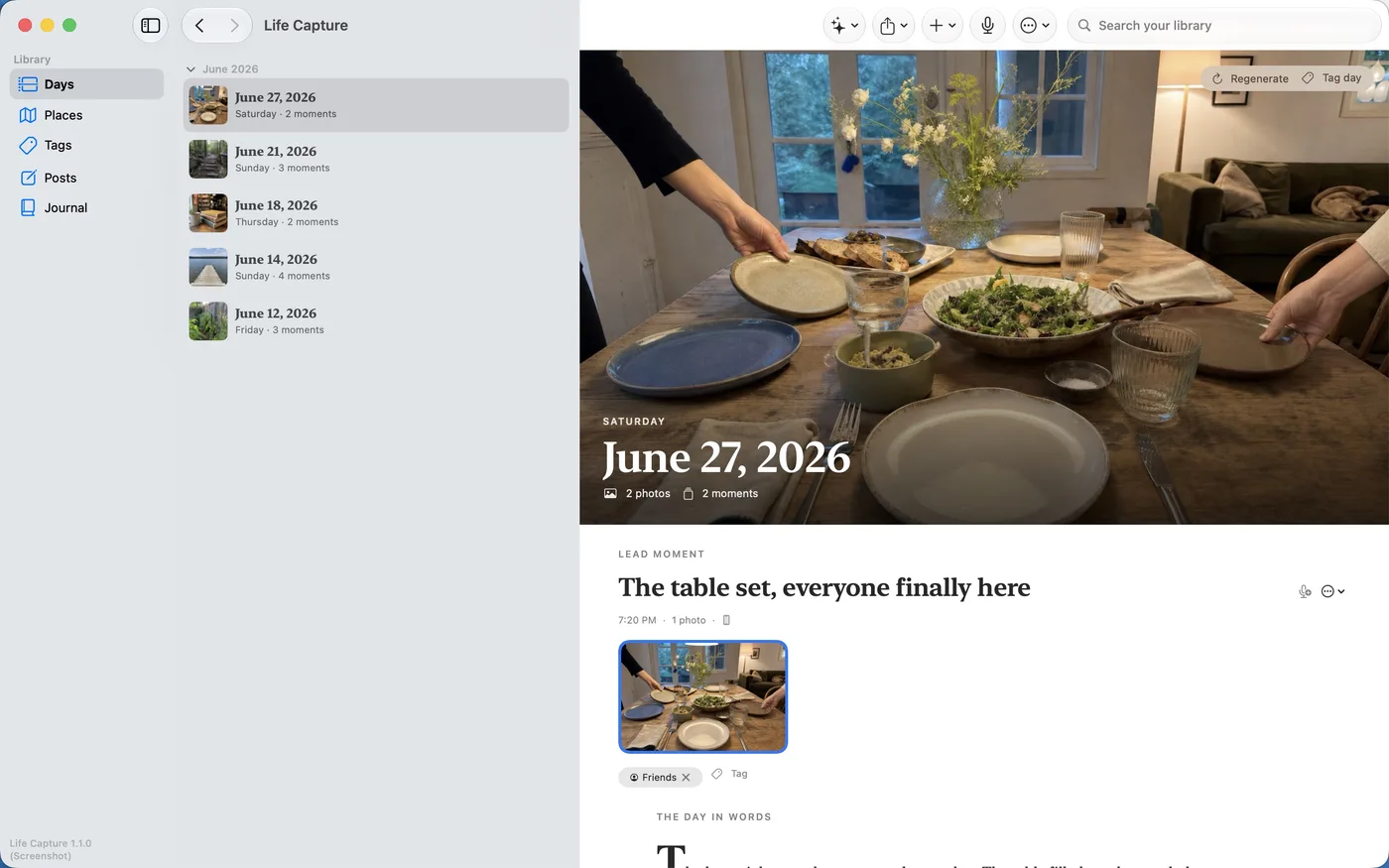
Your best memories are already sitting in Photos. Drag them into Studio, or pick them from your library, and Studio gathers them into Moments and days using the dates they carry.
- Drag and drop from Photos or the Finder — no export dance
- Photos group themselves into days and Moments automatically
- Readable days and stories from your own library, in minutes
- Originals are copied in untouched — nothing is modified
No empty archive to stare at: the first thing Life Capture shows you is your own life, organized.
Going forward · Life Capture Pocket · free
Capture tomorrow, and what it meant.
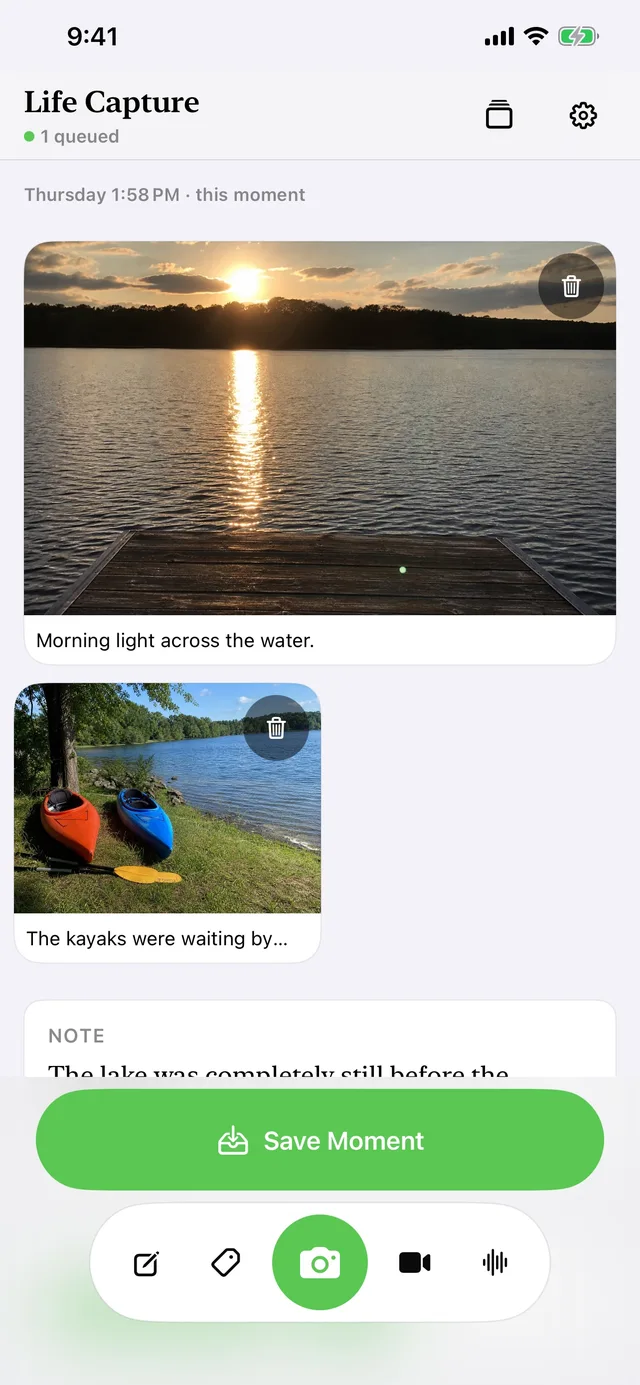
Pocket keeps the archive growing. Capture a moment on your iPhone and, if you want, say why it mattered while the memory is fresh — context no photo library holds.
- Photos and video, with their original sound
- Voice notes, in your own words
- Written notes and tags
- Optional place, kept with the Moment
A photograph can always stand on its own.
The handoff
From your pocket to your Mac.
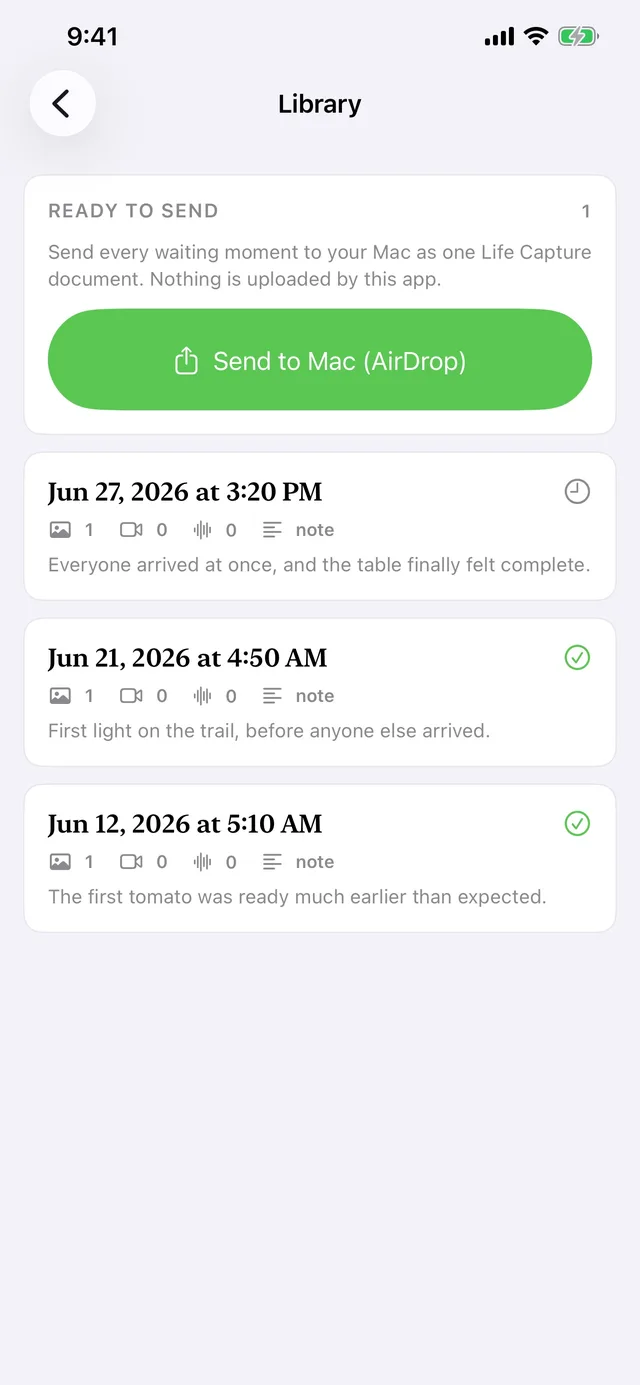
Pair once with a six-digit code on your home network. After that, Moments travel encrypted from your iPhone to your Mac — directly at home, or from anywhere once you turn on Receive away from home in Studio. The service that sets up that route never receives your captures or their keys. If your Mac is unavailable, Pocket queues them for later. AirDrop works too.
The idea, in one motion
From refrigerator door to journal.



Collected

"This place feels familiar even though it is my first time here."
A Moment, in context
A story preserved
Ways to use it
Your days. Their stories. Our family.
A personal journal, a way to keep a grandparent's memories in their own voice, or one archive for a whole family's photos.
Your days
Say a sentence about a photo and Studio writes the day from your own words.
Their stories
Photograph old prints while someone tells you about them, and keep their voice with every picture.
Our family
Several family iPhones can send to one Mac at home — even from away.
Local-first privacy
Yours. Actually yours.
There is no account or subscription, and your archive never has to leave your hardware.
The archive belongs to you
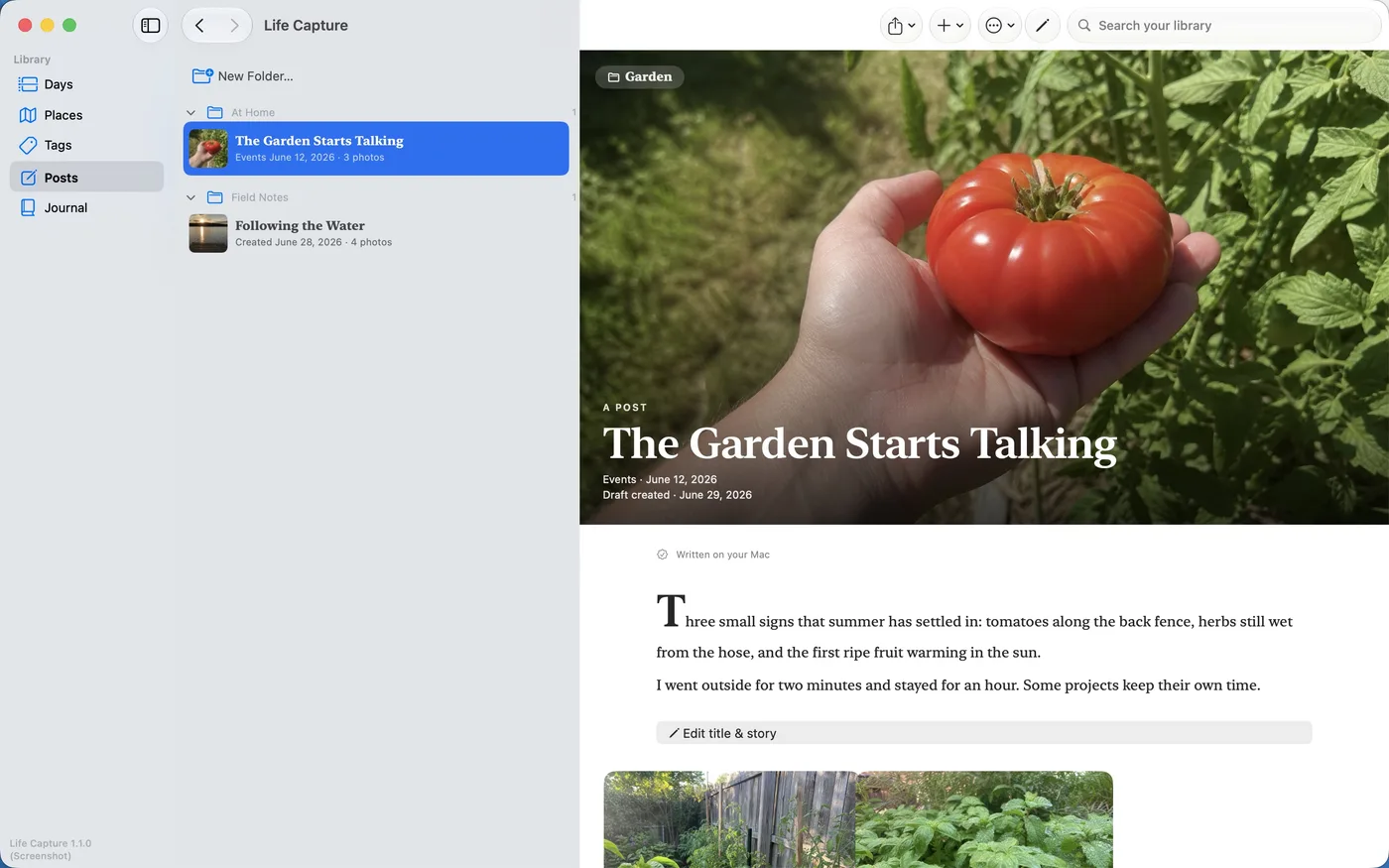
Everything lives in a local archive of plain folders and files on your Mac — readable, movable, and yours to back up like anything else.
Leaving is deliberate
Publishing and export happen only when you choose them. Nothing is shared, synced, or uploaded on its own.
Deletion is honest
Removing a Moment keeps its original bytes in Recently Deleted until you permanently delete it. Retraction and deletion are local-first — Life Capture cannot delete copies already held by recipients, exported folders, Apple Photos, backups, or an iPhone.
One archive. Your story.
Life Capture Studio
For Mac. One-time purchase, no subscription. Start here: drag in the photos you already have and see them become readable days and stories.

Life Capture Pocket
Free, for iPhone and iPad. Add it to capture new moments with their meaning — voice, notes, and tags — delivered straight to your Mac.