
Life Capture Studio · Mac · One-time purchase
Where scattered memories become a lasting story.
Studio starts with the photos you already have and organizes them into Moments and days, writes daily stories from the available evidence, and composes a monthly Journal you'll actually want to read. Pair it with Pocket, and new moments arrive on their own.

Day one
Your first stories, from photos you already own.
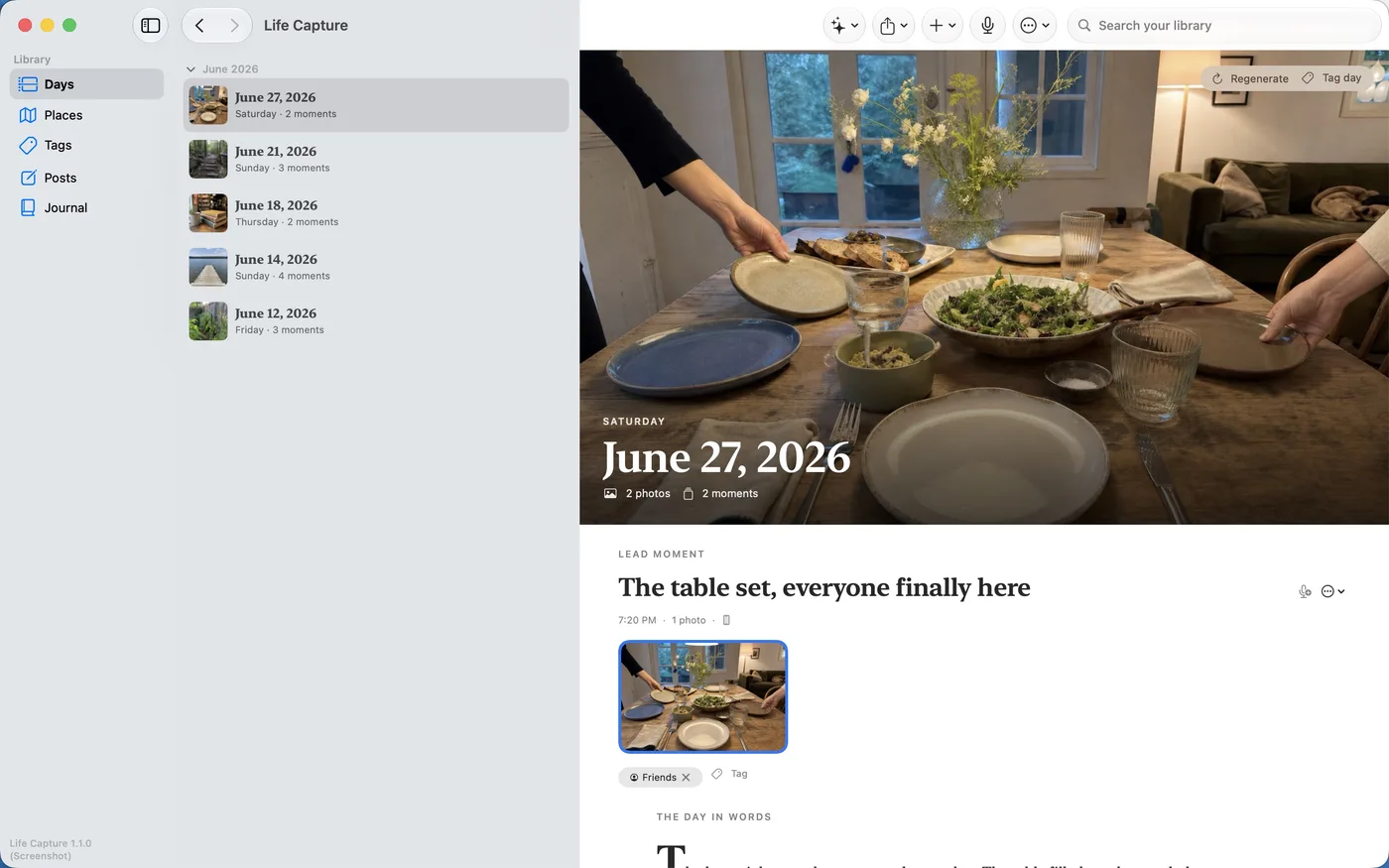
There's no empty archive to fill. Drag a trip, a summer, or a year out of Photos and into Studio — or pick from your library without granting access to anything else — and Studio groups the photos into Moments and days using the dates they already carry. Originals are copied in untouched. The first thing you read is your own life, organized.
Days and Moments
Every day, readable start to finish.
Each day gathers its Moments in order — the photos, the voice notes, the places — under a magazine-style hero image and a written story with a drop-cap opening. Studio transcribes voice on your Mac with Apple Speech and reads photos with Apple Vision, so what you said and what you saw both make it into the record.
Daily narratives
The editor, never the author.
Studio's writing is grounded in the available evidence — your photos, your voice, your words, the dates and places. It arranges and polishes what you actually recorded. You can review and edit each draft and its photo descriptions before making them part of your Journal. With a Voice Profile, drawn from your own voice notes, the written stories keep the rhythm of how you actually talk.
On-device, and optionally deeper
Your Mac does the thinking.
Every bit of Studio's intelligence runs on your machine — Apple Speech for voice, Apple Vision for photos, Apple's Foundation Models for writing. Nothing is sent to a cloud, and nothing trains on your life. On a Mac with the memory for it, you can optionally turn on rich image understanding: Studio downloads an open vision model once — Qwen3.5, from the MLX community on Hugging Face — and runs it entirely on your Mac for a deeper read of your photos. It is strictly opt-in; Macs that can't run it stay on Apple Vision, and everything still works.
Journal
Your month, as something you can hold onto.
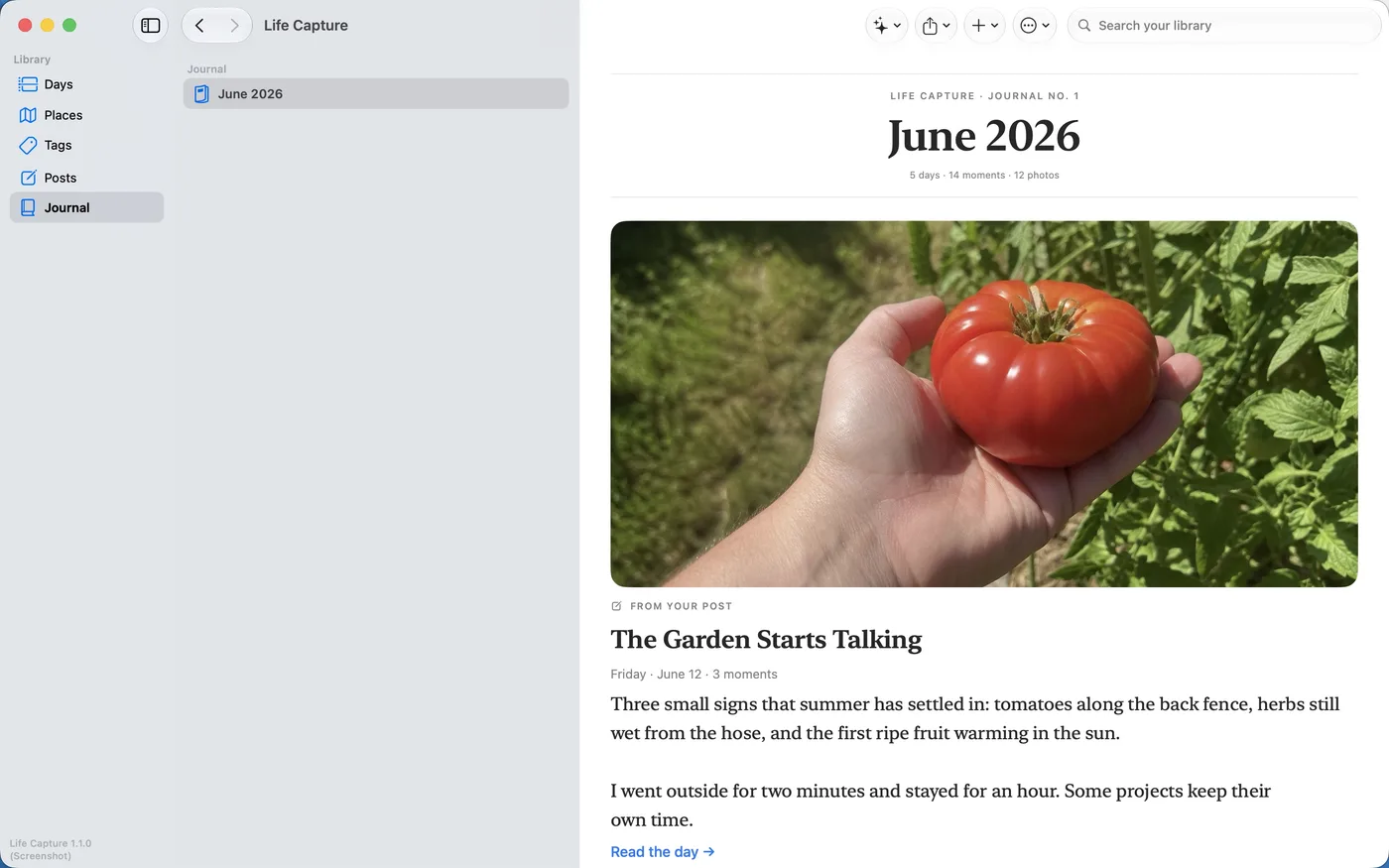
The Journal gathers the days you choose into a dated issue — your month in numbers, reflections drawn from your own voice notes, and the stories worth keeping. Read it in the app or export it as a PDF.
Tags and collections
Follow a thread across everything.
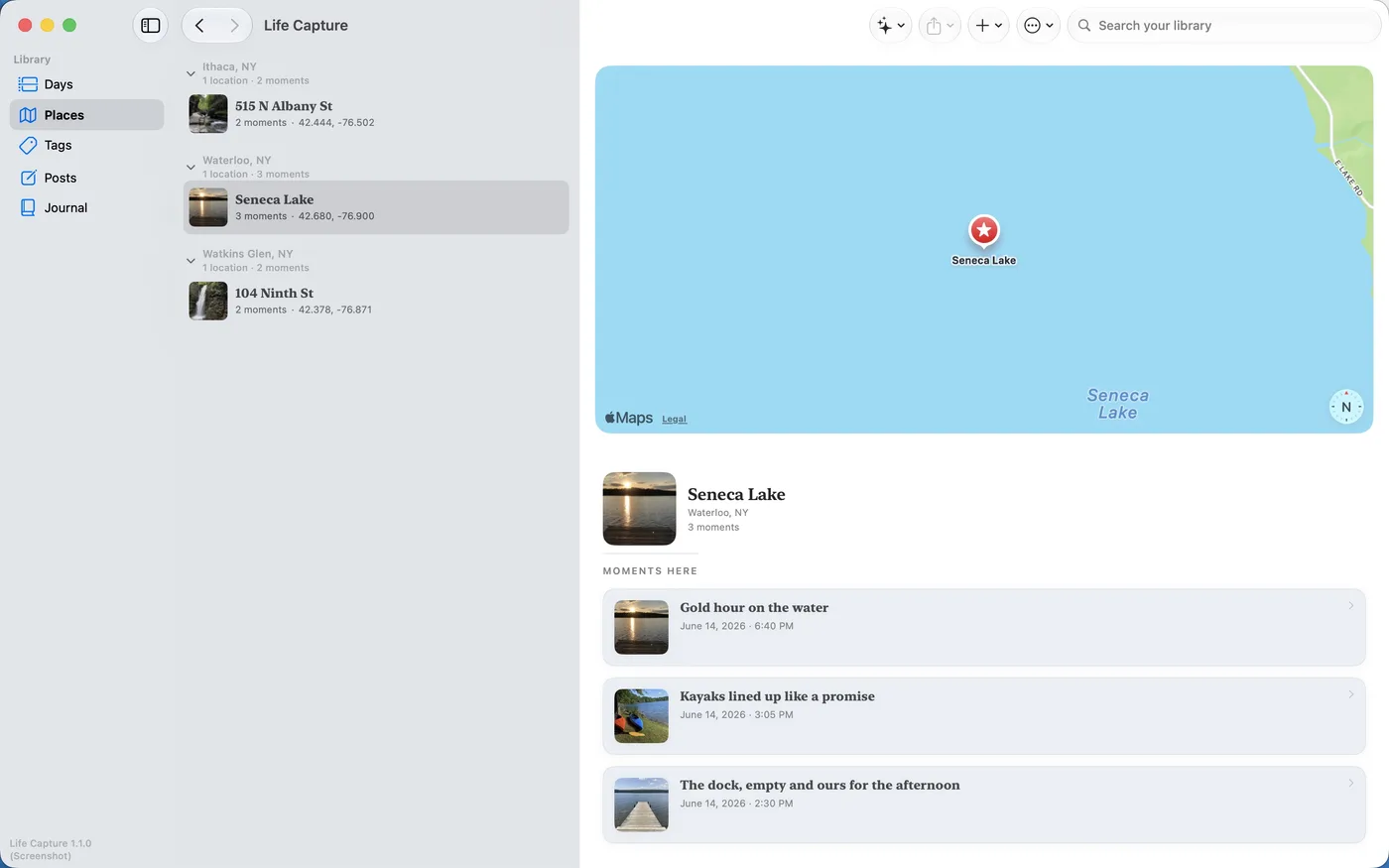
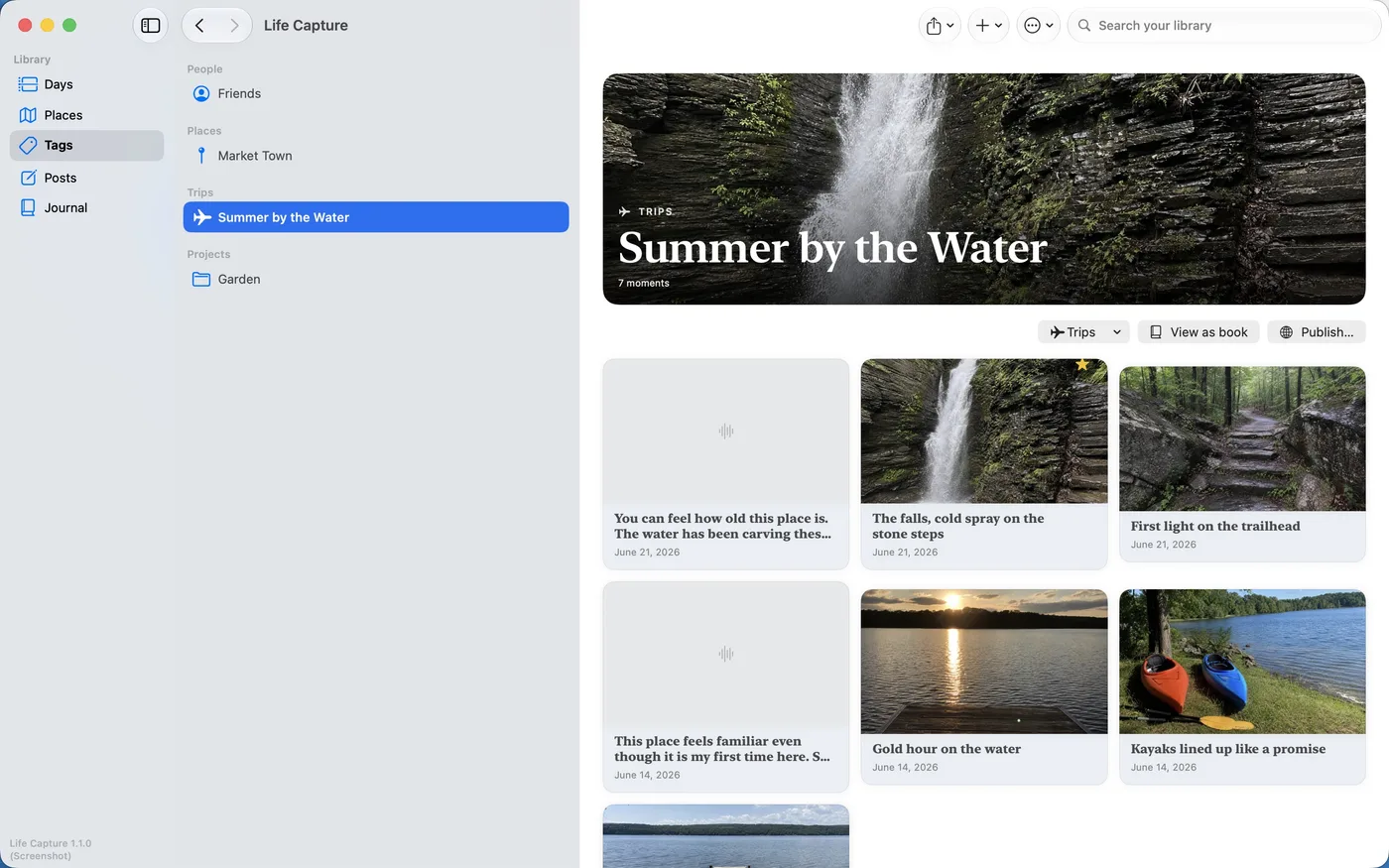
Tag the people, pets, places, trips, and projects that matter, then follow one — or a whole summer — across every Moment you've captured. Build visual collections around a thread, with a hero image you choose.
Publishing and export
Share only when you decide.
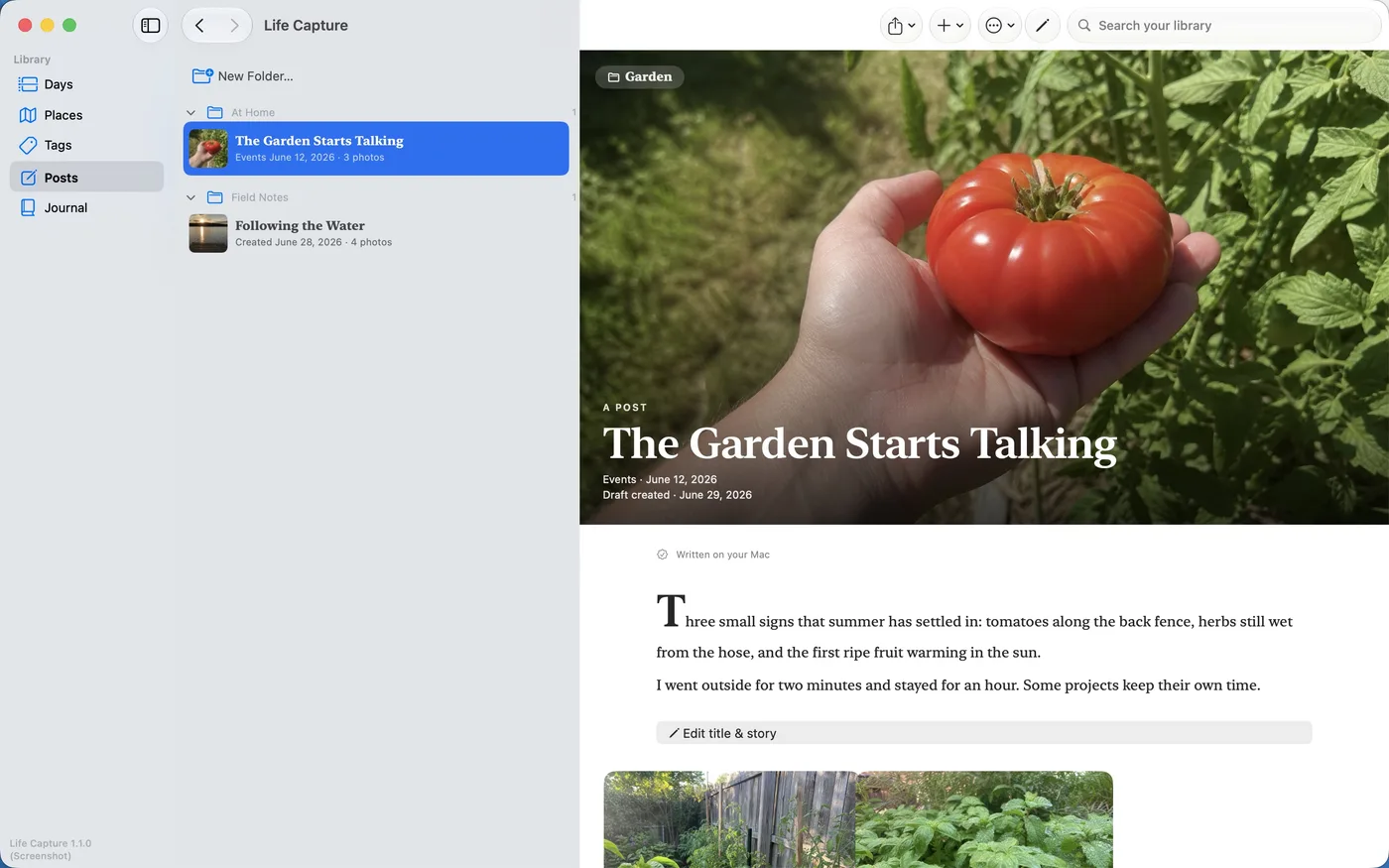
Turn a day into a story, organize stories into folders, and publish a collection as static web pages — or export a Journal as a PDF — only when you decide it's ready. Publishing is a deliberate act, never a default.
Retraction is just as deliberate: unpublish removes a story from your published output, and deleting a Moment keeps its original bytes in Recently Deleted until you permanently delete them. Studio is honest about the boundary — it cannot recall copies that recipients already hold.
Local-first ownership
An archive, not a database you're locked out of.
Your entire archive is plain folders, JSON, Markdown, and your original files — readable without Studio, movable to any drive, and backed up like anything else you own. The format is being standardized in the open as the Open Life Archive, and an independent, open-source Open Life Reader is being built alongside it — so the archive outlives any one app, including this one.
Get Life Capture Studio.
One-time purchase. No subscription. Your local archive remains readable, movable, and yours. Runs on any Mac with macOS 14 Sonoma or later — Apple Intelligence (macOS 26, Apple Silicon) makes the writing a little richer, but it is not required, and Studio composes a faithful story without it.